Workspaces and categories can be customized completely . Managing them is often reserved for administrators (can be controlled via rights assignment). Three things should be noted:
1. categories and workspaces are displayed/ordered alphanumerically in the content structure. This means that symbols are ranked first, then numbers, and finally the alphabet. So if a workspace or category is to be displayed at the top, it is recommended to prefix it with a number or characters.
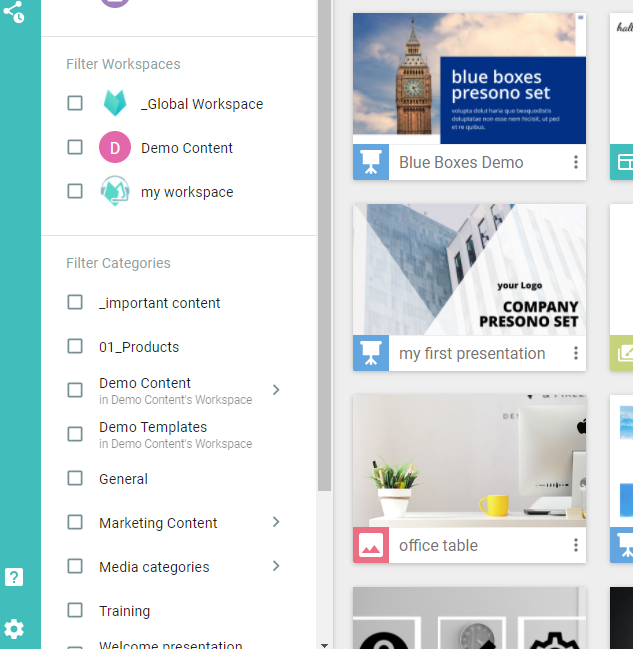
2. The translation of a category should also be taken into account. The order can differ depending on the content language. E.g. "General" becomes "General" and is therefore possibly ranked further down.
3. The last and most important point to consider is that the categories and workspaces fit your workflows. Choose categories and workspaces that make sense for the workflows and make sure that your colleagues can find and access all the content. Keep in mind that each piece of content can only be assigned to one workspace. Categories, on the other hand, can be used across different workspaces. If this is not desired, they can also be linked to a workspace. But don't worry: workspaces and categories can be easily adapted anytime! Read more about this here: Categories, Workspaces & Rights